6. Splitting names
In this lesson you will learn how to split names automatically.
Splitting names
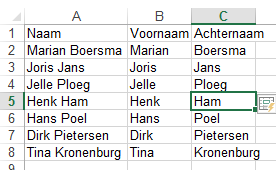
Recreate the table below:
Figure 6.1 Names
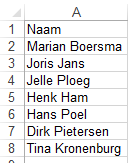
In B2, type the first name of the first person: Marian and press Enter.
In B3, type the first name of the second person: Joris; when Excel recognises the name, press Enter.
Figure 6.2 First names
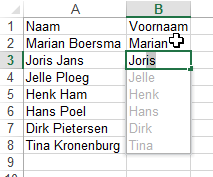
Figure 6.3 First names
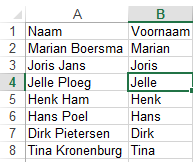
Figure 6.4 Surnames